Discussion
Loading...

#Tag

  • About
  • Code of conduct
  • Privacy
  • About Bonfire
Em :official_verified: boosted
Privacy Guides
@privacyguides@mastodon.neat.computer  ·  activity timestamp 3 days ago

Some basic tips to get started:

1️⃣ Use a password manager 🔐

2️⃣ Make sure you're staying up to date on software updates, which have critical security patches you need to stay safe 💻

3️⃣ install an ad-blocking extension to block internet trackers in their... uh, tracks 😄 (4/5)

#PrivacyGuides #PasswordManager #AdBlock #uBlockOrigin #PrivacyTips #Privacy
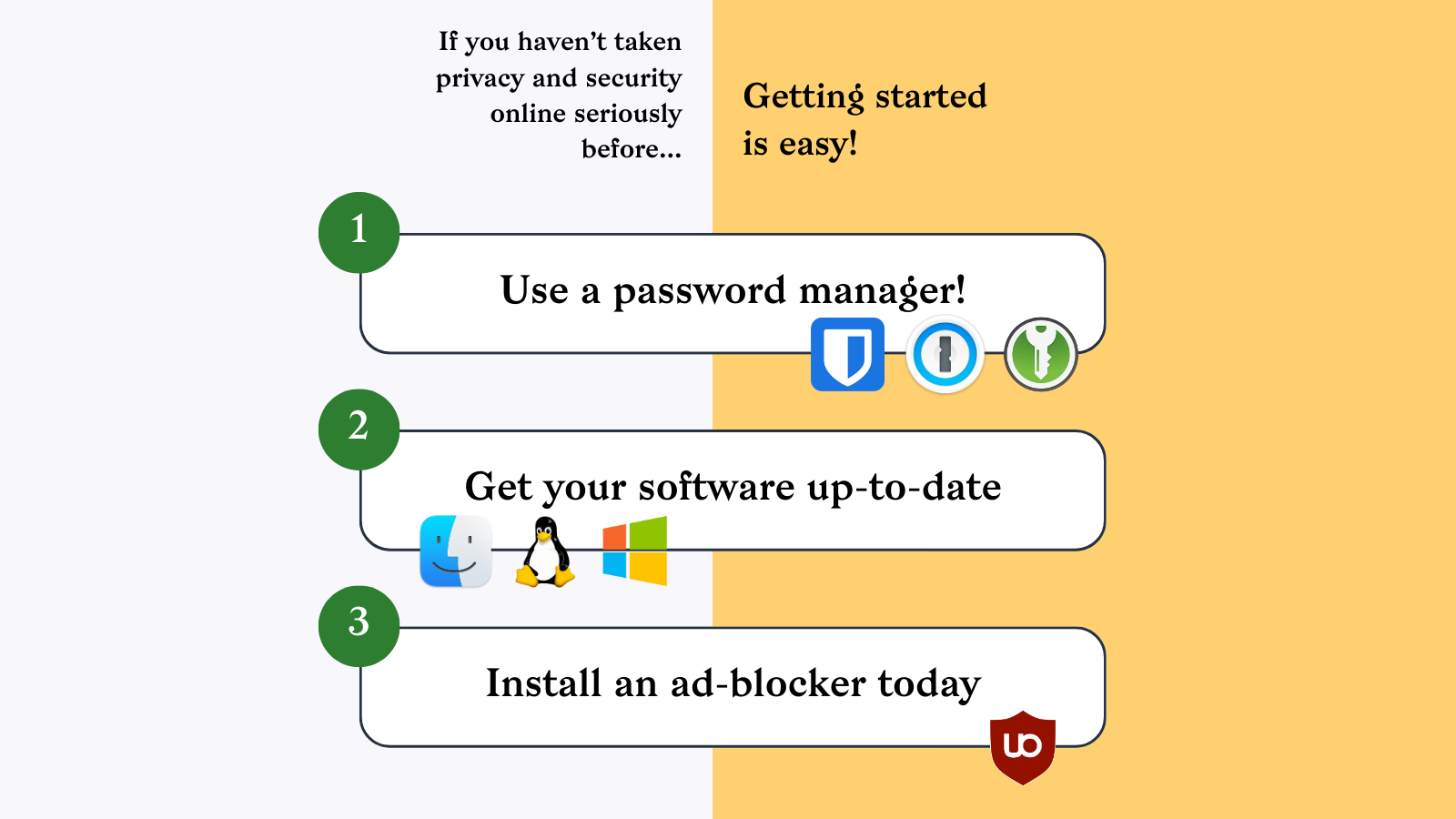
An image saying "if you haven't taken privacy and security online seriously before, getting started is easy" with an illustration of the advice given in the accompanied text post.
  • Copy link
  • Flag this post
  • Block
Privacy Guides
@privacyguides@mastodon.neat.computer  ·  activity timestamp 3 days ago

At Privacy Guides we're dedicated to fighting for consumer data privacy, and we hope you're fighting for your own personal security and privacy as well. ✨ (3/5)

#PrivacyGuides #PrivacyTips #DataProtection #PrivacyKnowledge #Privacy

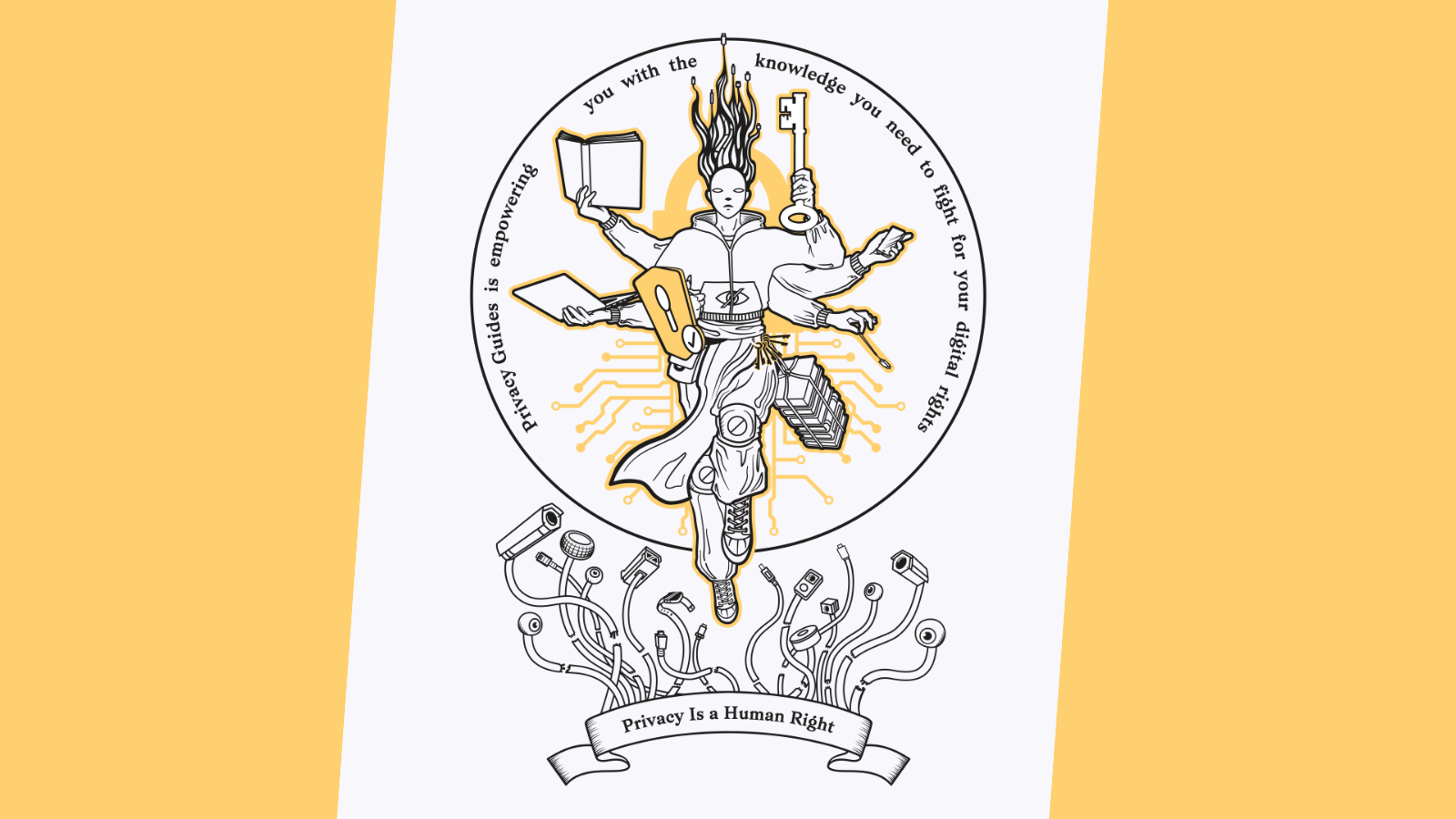
Artwork of our defender of privacy, saying "Privacy Guides is empowering you with the knowledge you need to fight for your digital rights." and a banner below saying "Privacy is a human right"
Privacy Guides
@privacyguides@mastodon.neat.computer replied  ·  activity timestamp 3 days ago

Some basic tips to get started:

1️⃣ Use a password manager 🔐

2️⃣ Make sure you're staying up to date on software updates, which have critical security patches you need to stay safe 💻

3️⃣ install an ad-blocking extension to block internet trackers in their... uh, tracks 😄 (4/5)

#PrivacyGuides #PasswordManager #AdBlock #uBlockOrigin #PrivacyTips #Privacy
An image saying "if you haven't taken privacy and security online seriously before, getting started is easy" with an illustration of the advice given in the accompanied text post.
  • Copy link
  • Flag this comment
  • Block
Log in

Bonfire Dinteg Labs

This is a bonfire demo instance for testing purposes. This is not a production site. There are no backups for now. Data, including profiles may be wiped without notice. No service or other guarantees expressed or implied.

Bonfire Dinteg Labs: About · Code of conduct · Privacy ·
Bonfire social · 1.0.0 no JS en
Automatic federation enabled
  • Explore
  • About
  • Code of Conduct
Home
Login